A first phone with calls, texts, a camera and the little things kids actually love. No browser, no app store, no social media. You pick every app. Pay once.

Every app on the phone is one you ticked. Your child can’t add another. You can, any time, with your PIN.
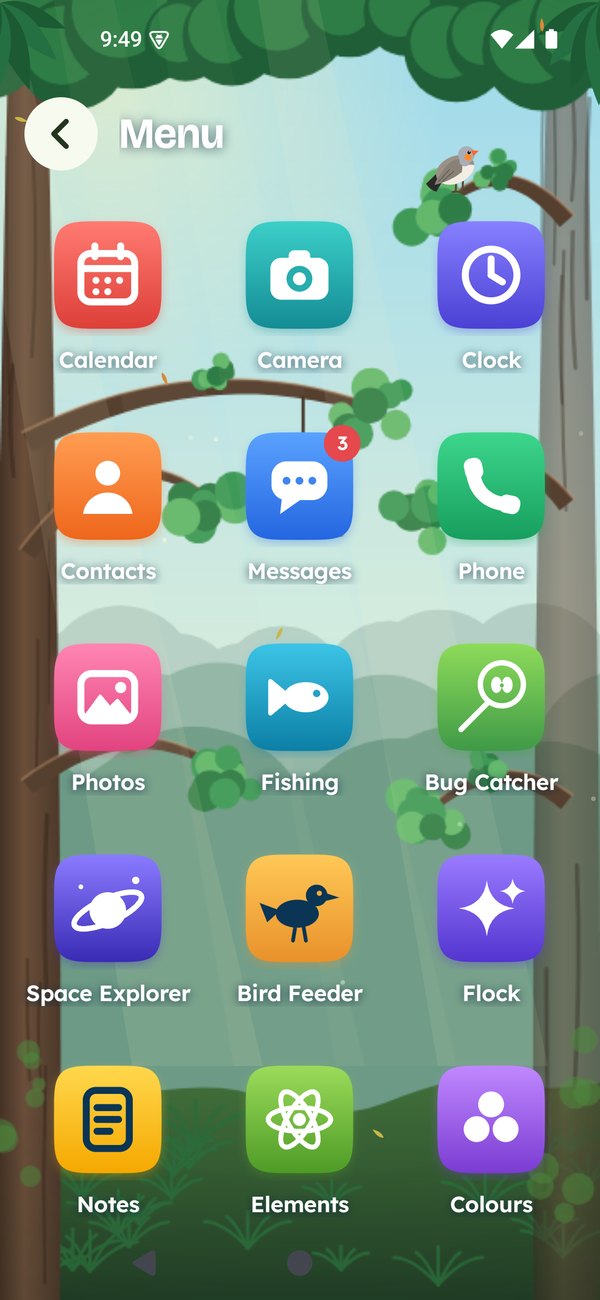
A home screen that’s a little world, games that fill it up, and colours they choose. It feels like theirs, not like a locked-down gadget.
No monthly fee, ever. $299 with the phone, or $49 if you set up a phone you already own.
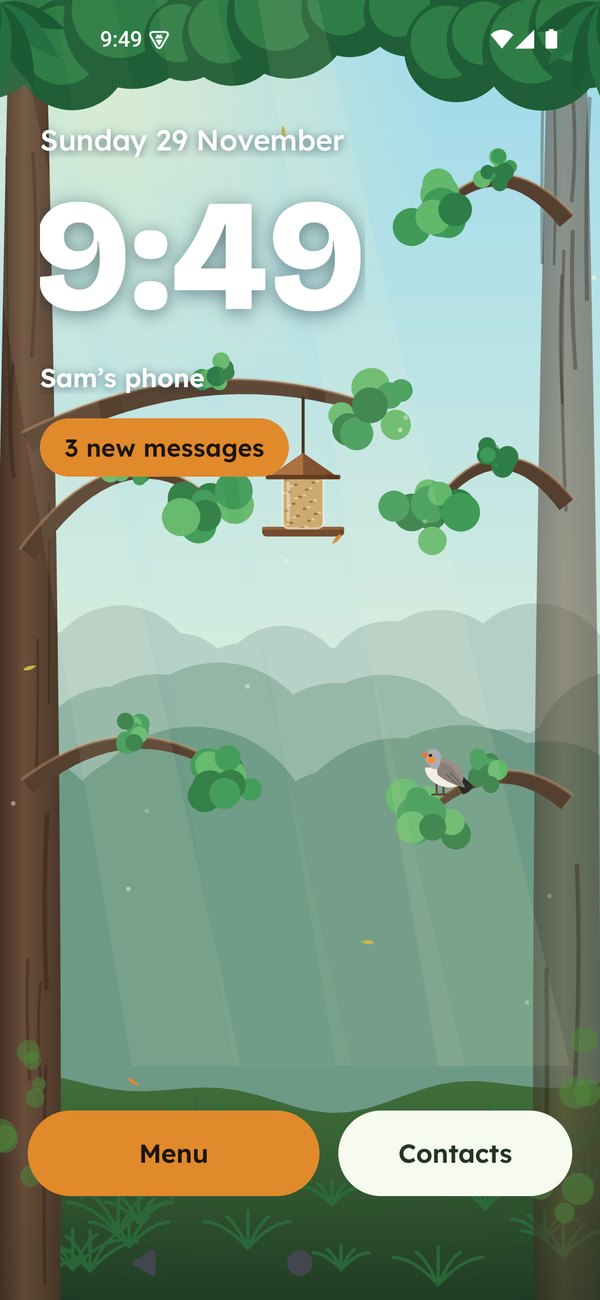
A big clock, a name on the screen, a few friendly icons. Nothing flashing, nothing asking for attention. These are real screenshots from the phone.


Play for a few minutes, collect something, and what you collect comes to life behind the icons. Fish swim by, bugs flutter, birds visit. They’re optional extras, so you choose which ones go on the phone.

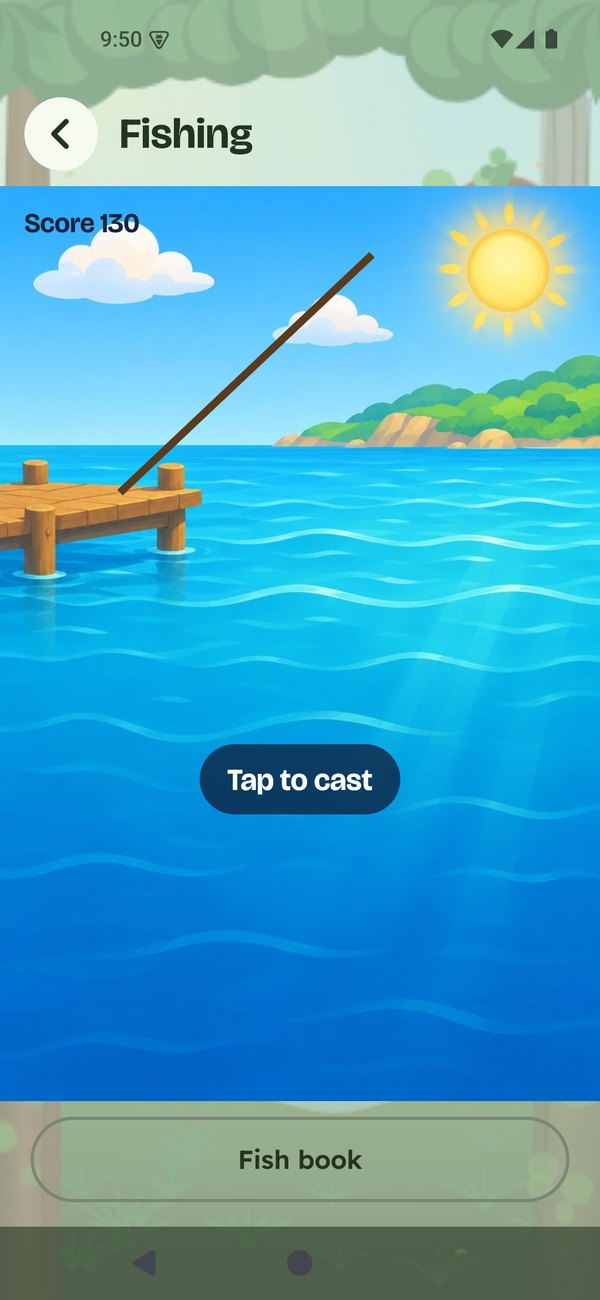
Catch 15 kinds of fish. Every catch swims into the reef on the home screen.
+$5
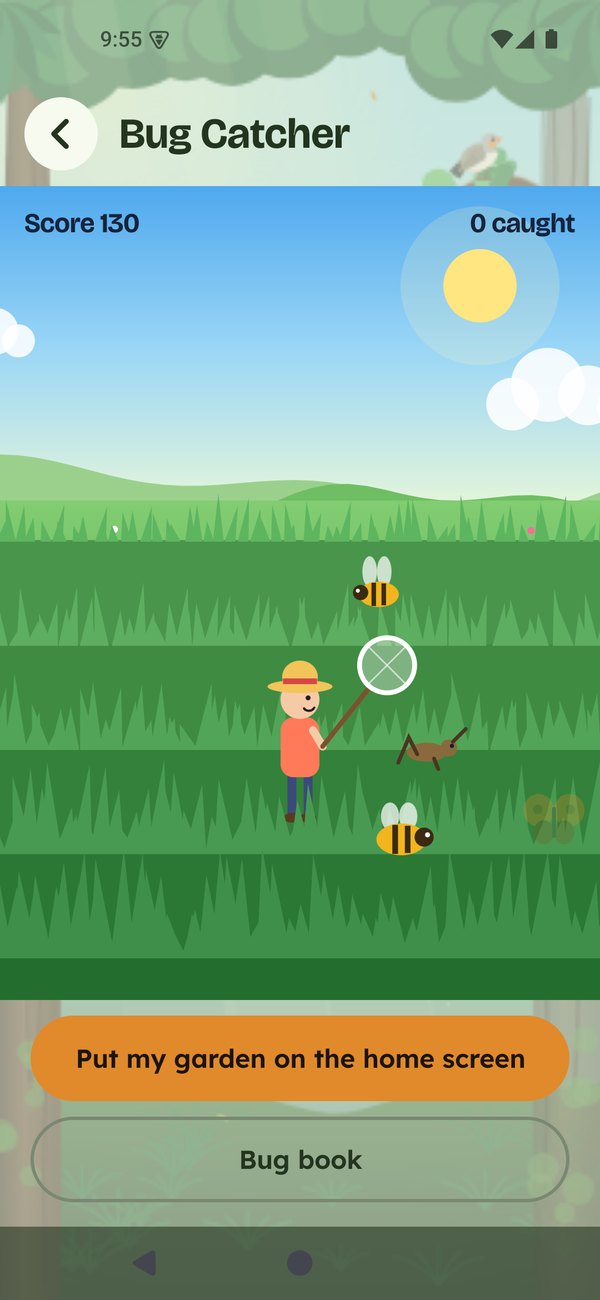
Catch 16 butterflies and bugs. Each one plants a flower in the garden.
+$5
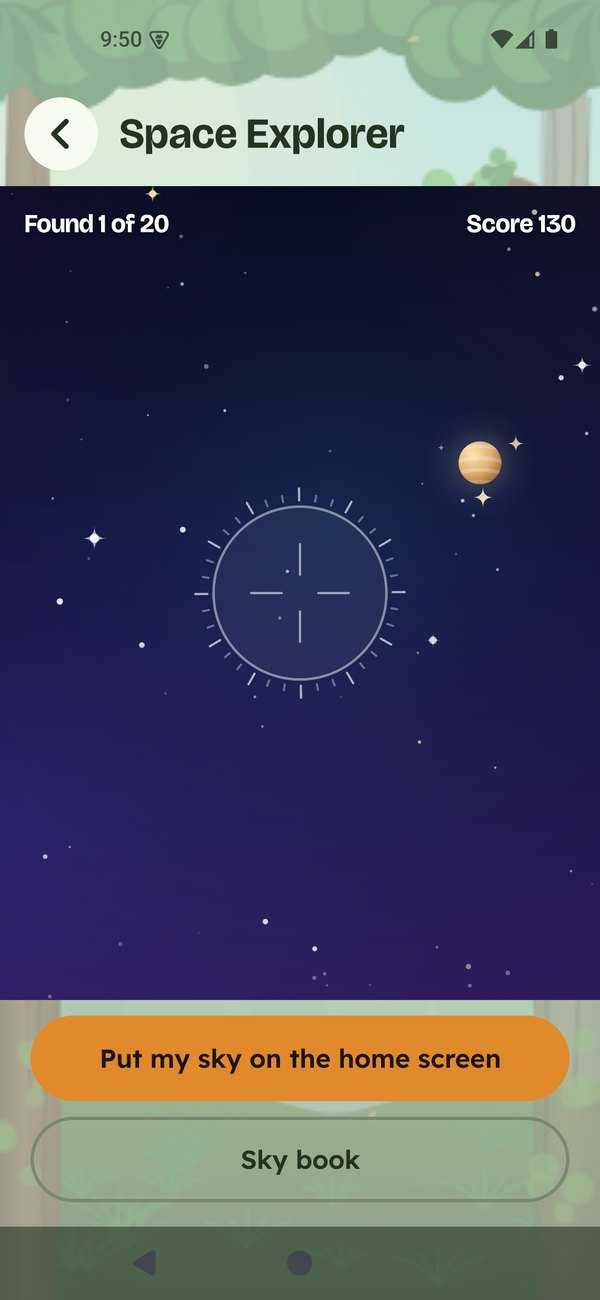
Find 20 planets, comets and constellations. The night sky fills up.
+$5
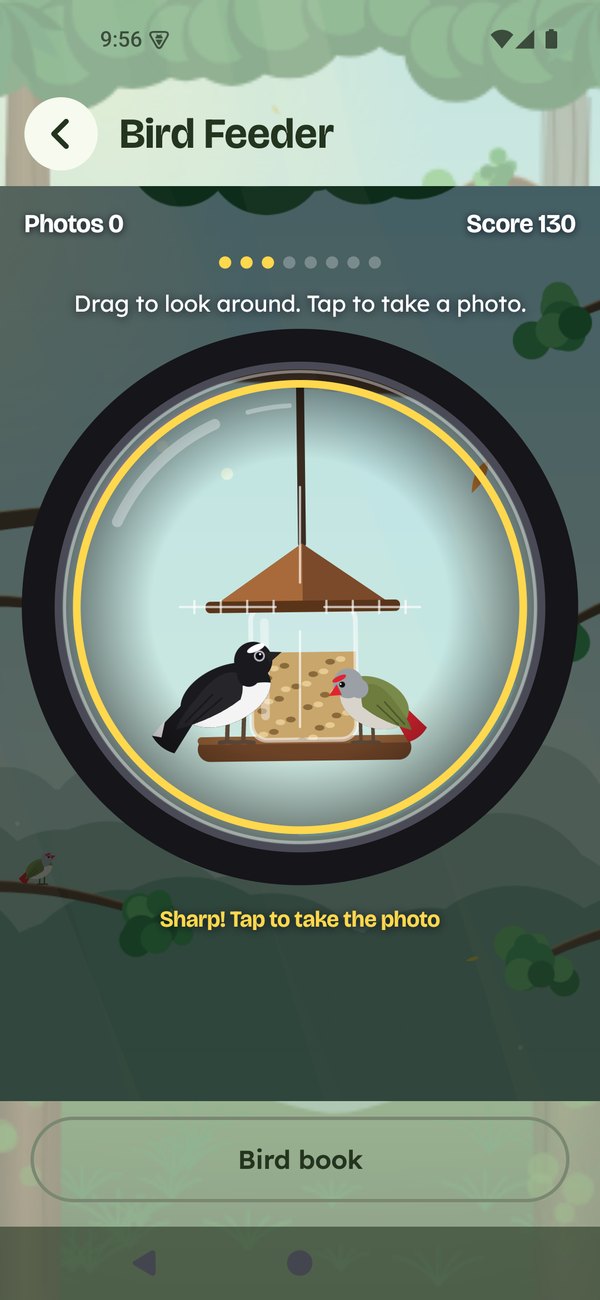
Photograph 15 Australian birds. Each one moves into the woodland.
+$5It’s an ordinary Android phone with one change: the home screen is ours, and it only opens what you ticked. You set the rules once on the order form and can change them later on the phone with your PIN.
A new Moto G06, set up to your list and tested. It arrives ready: put in a SIM and hand it over. Your PIN comes in a sealed envelope.
Build a posted phoneFor an Android phone on our tested list. After you pay we send a setup program for your Windows or Mac computer. Plug the phone in and it does the rest in about fifteen minutes.
Build for my own phoneGames are extra on either option: $5 each, or $15 for all four. You see the running total on the order form before you pay.
Start from a preset, then tick and untick. Add games, pick a colour theme and your family’s rules.
You see two columns, on the phone and not on the phone, before you pay.
The phone comes up locked to your list, with your child’s name on the home screen.
We’d rather you knew now than found out later.
Yes. Open For parents on the phone, enter your PIN, and add or remove apps yourself. There’s no fee and nothing to send back.
No. They work without a connection and there’s nothing more to pay once you’ve bought them. They have no ads and no in-game purchases.
You get a recovery code with the phone. Keep it somewhere your child won’t look.
Android phones running Android 12 or newer that are on our tested list. The order form asks for your model and tells you straight away. iPhones can’t be set up this way.
Yes. Emergency calls always work, including during bedtime and school hours.
We use your child’s first name, your mobile and any approved numbers to set up that one phone, then delete them once you’ve confirmed it works. We don’t sell or share them.
Yes. With your PIN you can switch the lock off and the phone goes back to being an ordinary Android phone.
Five minutes, a list you control, and no monthly fee.